Resume Contract
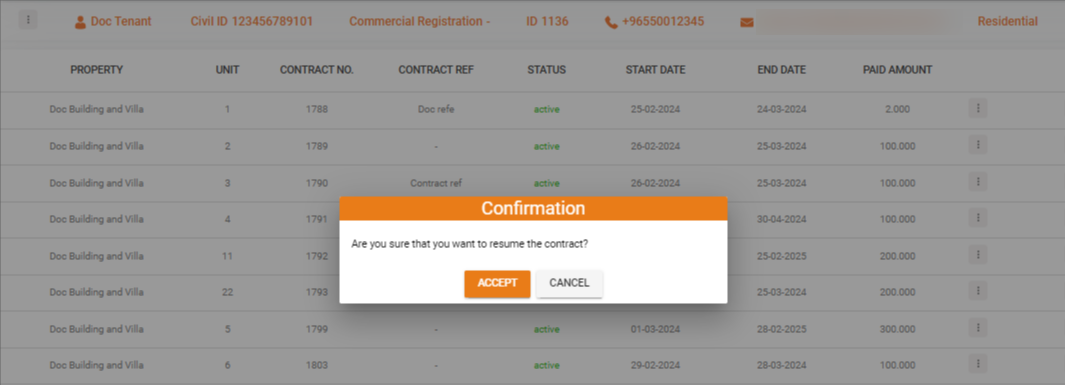
When a suspended contract is resumed, all transactions related to the invoices associated with this contract become payable again. Tenants can once again make payments against these invoices, and the contract returns to its active status.
How to Resume a Contract
To resume a suspended contract, follow the steps described in Triggering Contract Actions.
Select Resume Contract from the action menu to reactivate the contract immediately.
What's Next?
- Contract Management -- Overview of all contract actions
- Suspend Contract -- Learn about contract suspension
- Generate Invoice -- Create invoices for the resumed contract