Terminate Contract
Ottu enables merchants to efficiently terminate contracts when a tenancy ends. To initiate a contract termination, follow the steps described in Triggering Contract Actions.
Termination Process
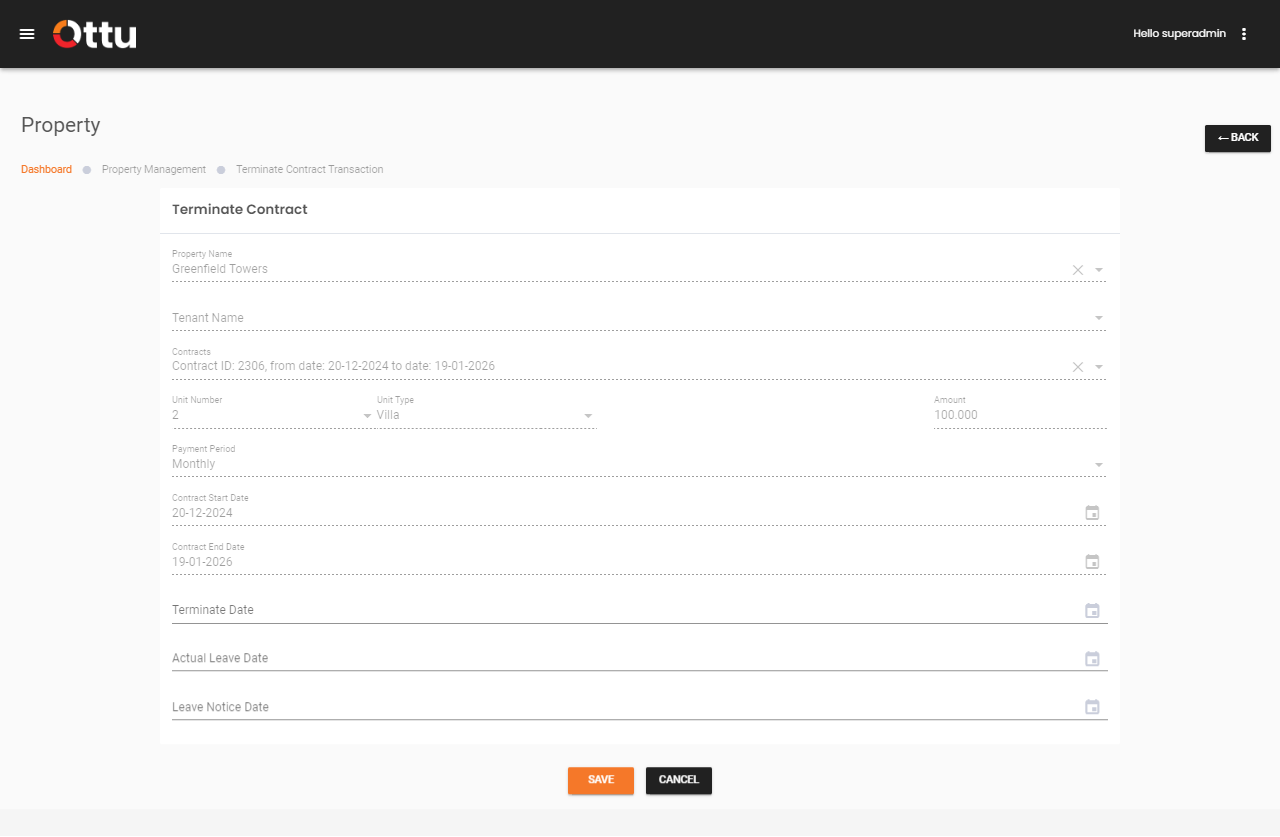
Upon selecting Terminate Contract, you are directed to the termination page where you complete the process by entering:
| Field | Description |
|---|---|
| Termination Date | The official date the contract is terminated |
| Actual Leave Date | The date the tenant actually vacates the property |
| Leave Notice Date | The date the tenant provided notice of leaving |
After filling in these fields, click Save and then confirm to finalize the termination.
warning
Terminating a contract is a significant action. Make sure to verify the termination details before confirming. If a termination was made in error, it can be rolled back from the Auditing section.
What's Next?
- Contract Management -- Overview of all contract actions
- Suspend Contract -- Temporarily suspend a contract instead of terminating
- Auditing -- Roll back a termination if needed