Refund & Void Access Control
Ottu uses a permission-based system to control who can perform refund and void operations. Staff users must have explicit permissions assigned before they can request refunds or voids, and those requests go through the Two-Step Authorization approval flow. Super users bypass this flow by default.
To enable this feature, install the Permissions Approval plugin: go to Ottu Dashboard > Administration Panel > Plugins > Installed Plugins and add it.
For accountability and security, only one user should be designated as the authorized approver (checker) for refund and void permission requests.
How It Works
When a staff user is granted refund or void permissions, any operation they initiate enters the Two-Step Authorization workflow for approval. Pending requests that are not acted upon are automatically canceled after 48 hours by default. This expiration time is configurable from the backend.
Assigning Permissions

Open the Users Section
After saving, two permission requests (one for void, one for refund) are added to the Permission Requests Table.
Permission Requests Table
The Permission Requests Table is located under the Tickets tab on the Ottu Dashboard. This is where the authorized approver (checker) reviews incoming permission requests and either approves or rejects them.
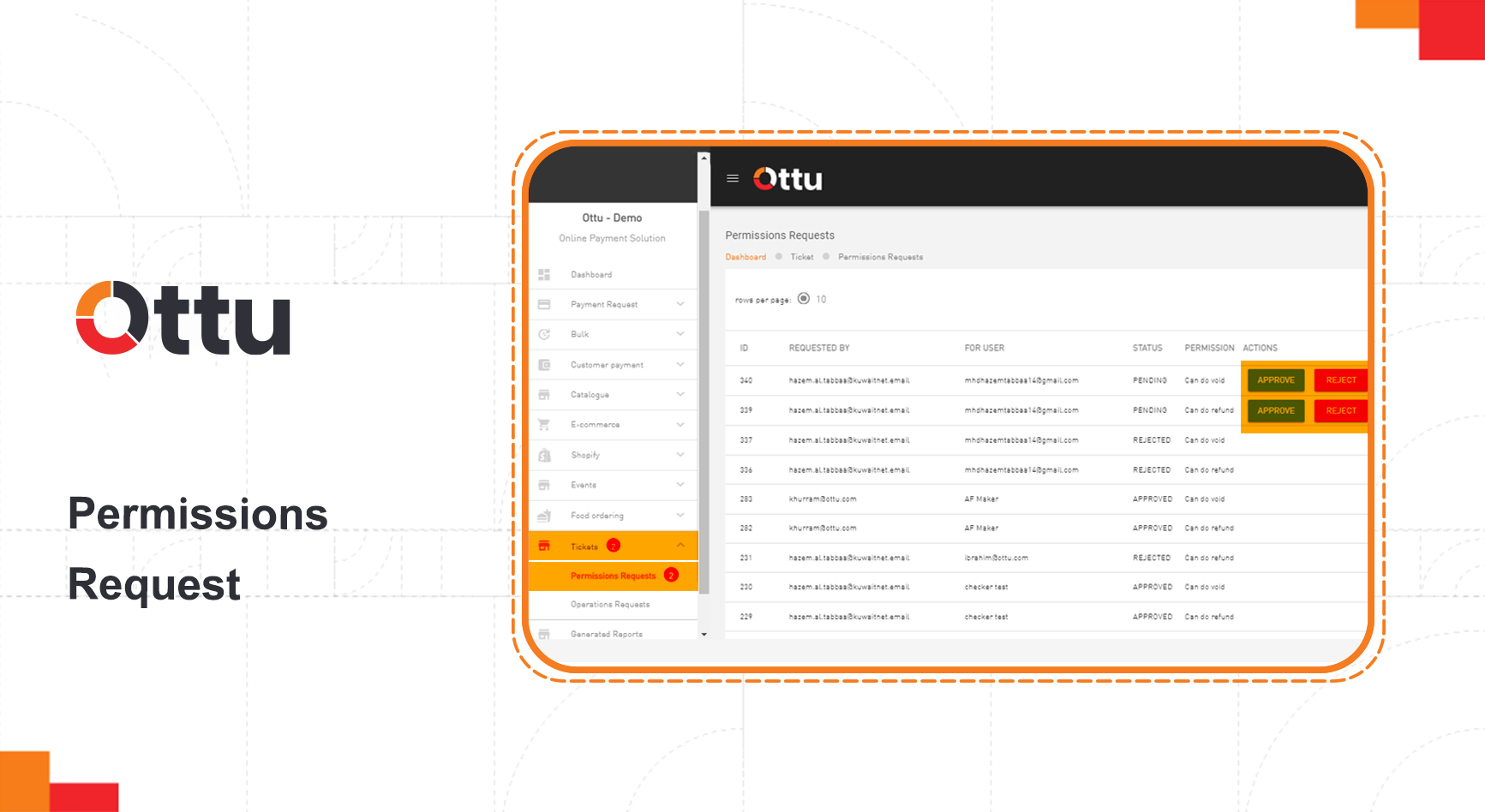
When a staff user with the appropriate permissions initiates a refund or void, the request appears here for the checker to act on.
If a permission request is neither approved nor rejected within 48 hours, it is automatically canceled. Adjust this timeout in the backend configuration if your workflow requires more time.
What's Next?
- Two-Step Refund & Void Authorization — Understand the full maker-checker approval workflow
- Operations & Controls — Overview of all operational security features
- Payment Management — View transactions eligible for refund or void