Currencies
Ottu is a multi-currency payment platform. Merchants can accept payments in multiple currencies, configure exchange rates, and customize markup fees — all from the dashboard.
Currency Configurations
Each payment gateway comes with preconfigured currency settings. For example, the default currency for KNET is the Kuwaiti Dinar (KWD). These defaults ensure smooth transactions out of the box.
Currency Configuration Page
To access currency settings:
- Open the Ottu Dashboard
- Click the three dots in the top-right corner to open the Administration Panel
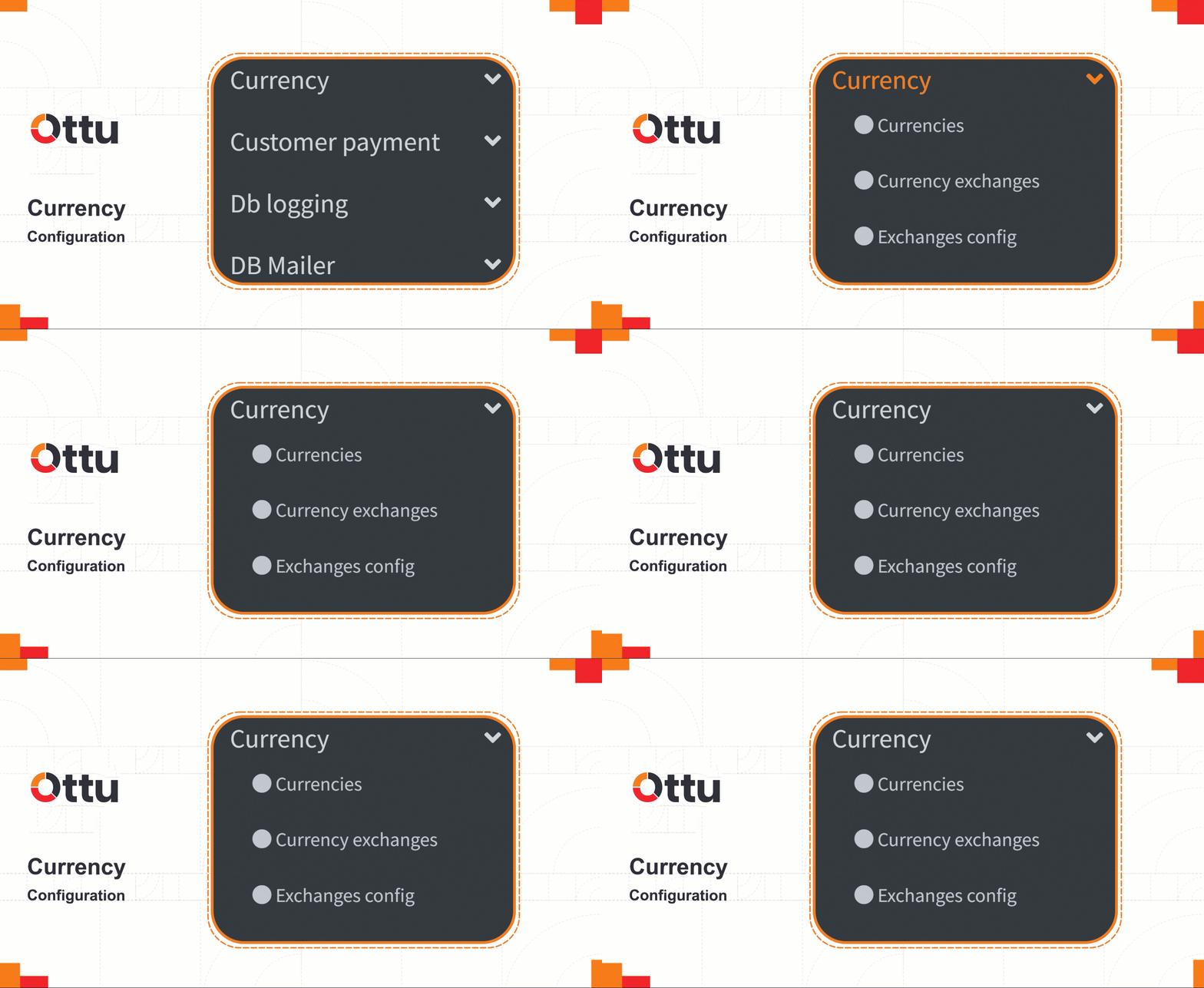
- Navigate to the Currency tab

There are three types of currency configuration:
| Type | Purpose |
|---|---|
| Currencies | Adding and managing different currencies |
| Currency Exchanges | Setting up currency exchange between currencies |
| Exchange Config | Defining currency rules for specific payment gateways |
Currencies
In the Ottu dashboard, you can find a wide range of currencies to choose from.
To add a new currency:
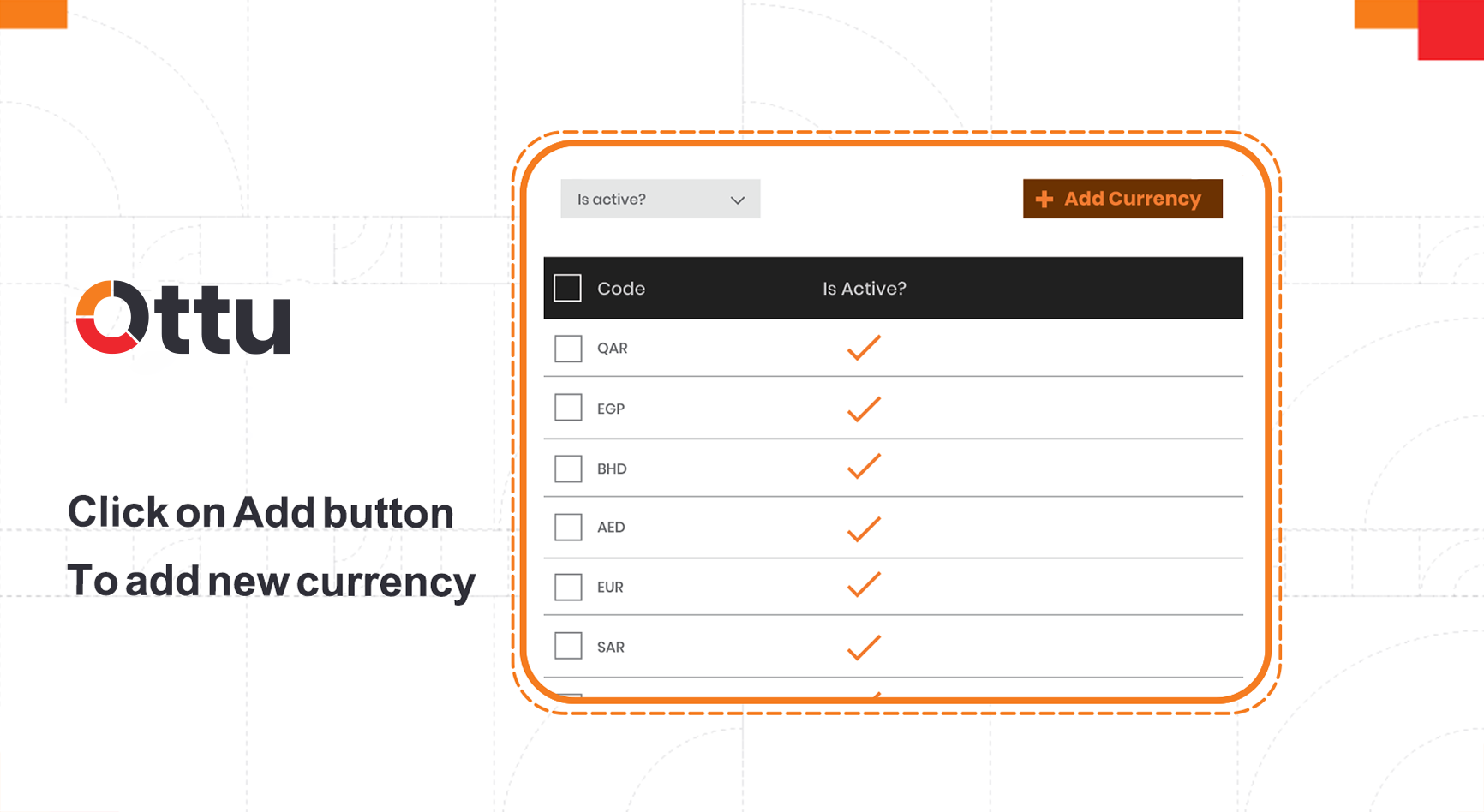
Click Add Currency
Currency Exchanges
Merchants may prefer receiving payments in their local currency, even when the customer resides in a different country. Ottu offers a currency exchange service to facilitate this. When the bank acts as an intermediary, they may impose a markup fee to cover exchange costs.
To configure currency exchange:
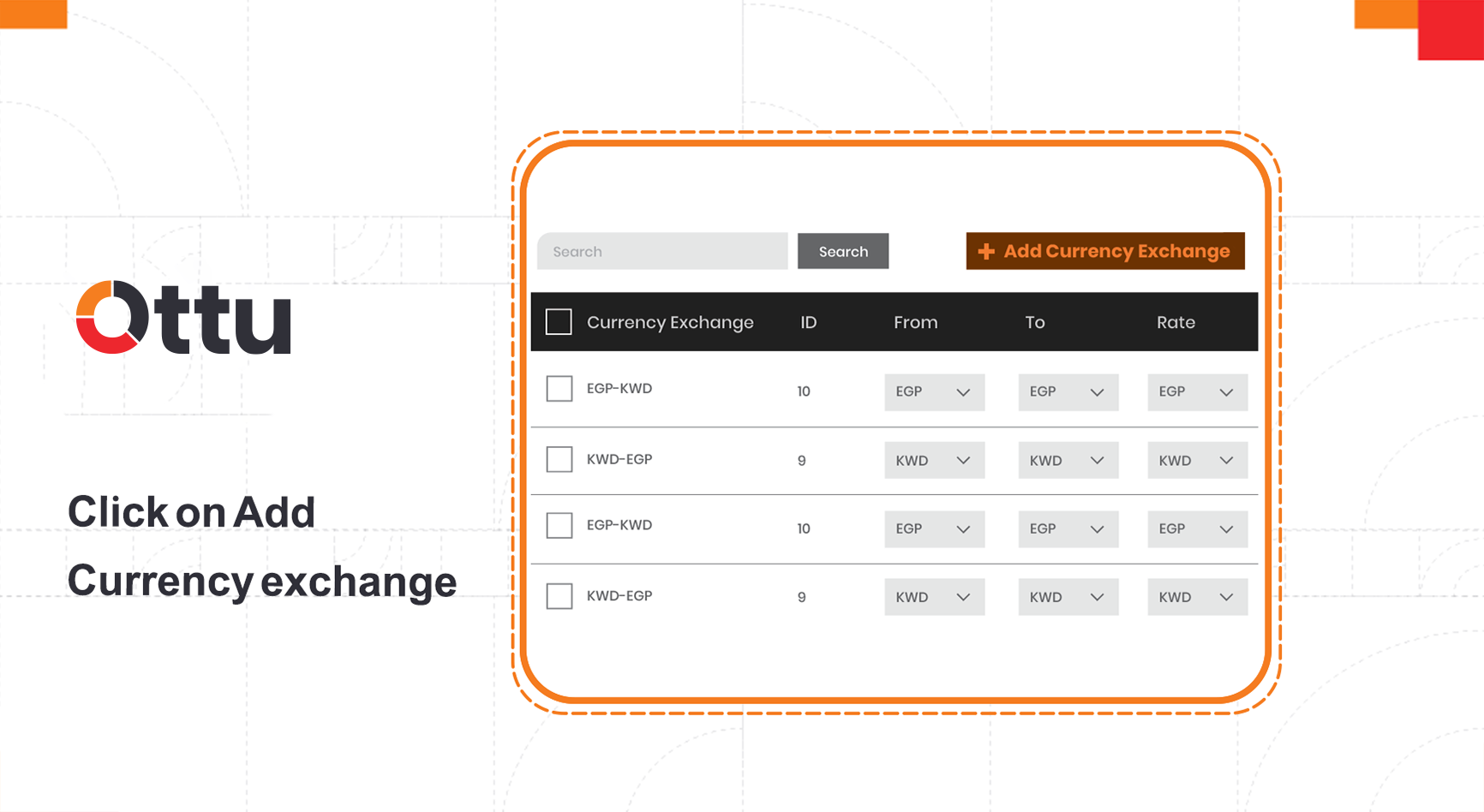
Click Add Currency Exchange
Exchange Configuration
The exchange configuration determines which currency rules apply to payments made through a specific payment gateway.
To add an exchange configuration:
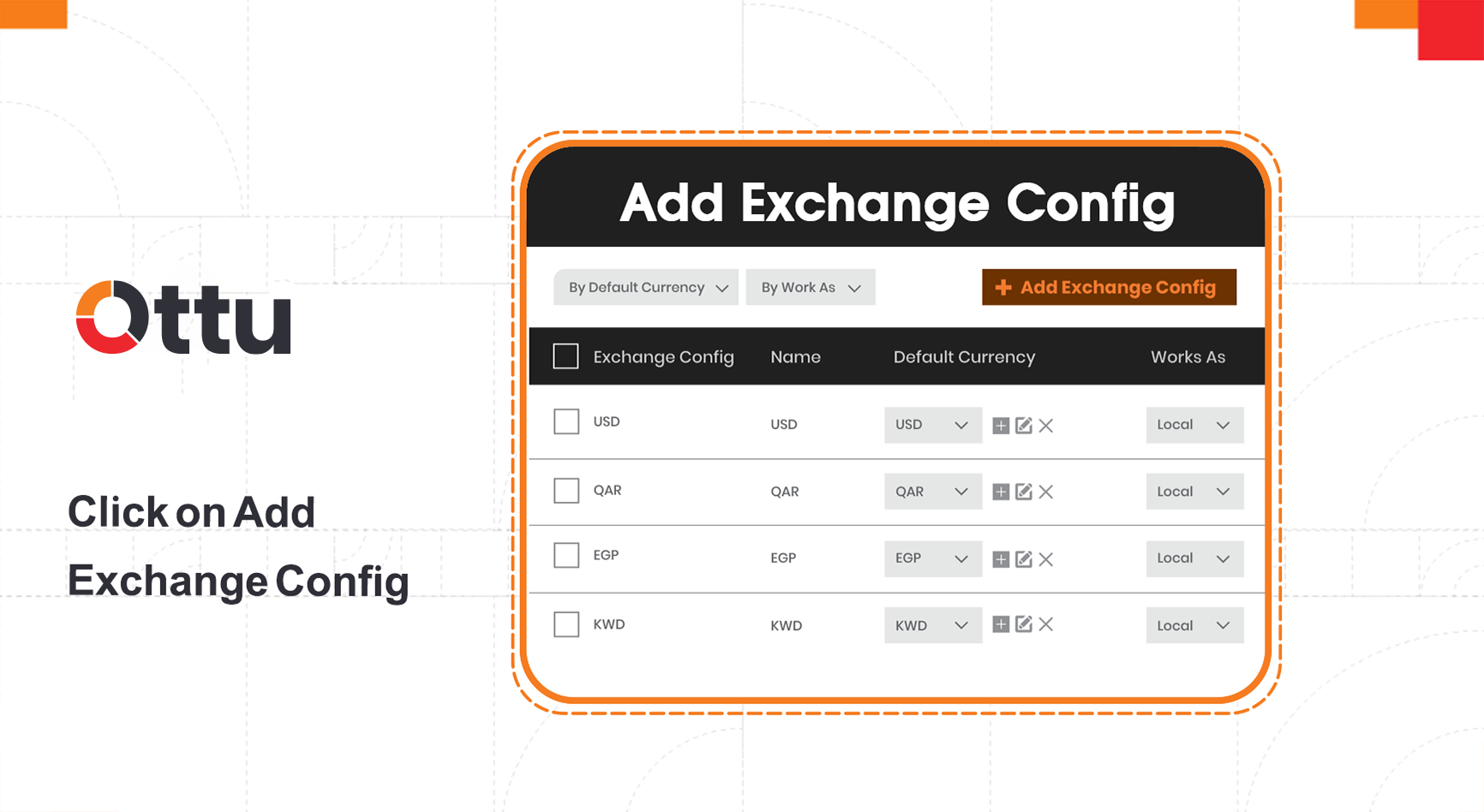
Click Add Exchange Config
Field Descriptions
| Field | Description |
|---|---|
| Name | Identifier for this exchange configuration |
| Default currency | The default currency of the payment gateway |
| Currencies | The payment currencies the merchant wants to accept |
| Fee type | Fixed fee — a predetermined amount added to the payment. Percent fee — an amount calculated as a percentage of the payment |
| Fees Description | Identification of the fee for the merchant's records |
| Work as | Online — uses online services to define the exchange rate. Local — merchant manually defines the exchange rate |
| Fix fee | Fixed amount added to the transaction |
| Percentage fee | Dynamic amount calculated as a percentage |
| Charge default currency | When enabled, a fee is added to the original amount even if the payment is in the gateway's default currency |
Foreign currencies are not supported for operations. If a customer pays using a different currency than the MID (e.g., MID is KWD but payment is in USD via currency exchange), refund/void/capture operations won't work.
What's Next?
- Payment Gateways — Browse all supported gateways and their default currencies
- Payment Routing — Route payments based on currency and other criteria
- Settings — Global configuration including currency exchange provider (Fixer.io)