URL Shortener Configuration
The URL shortener converts long payment URLs into concise, shareable links. This is particularly useful when sending payment links via SMS or messaging apps where character limits matter, or when you want cleaner-looking links for customers.
note
The URL shortener must be enabled in Global Configuration before it can be used. Go to Administration Panel > Config > Configuration and check Enable URL shortener.
Accessing URL Shortener Configuration
- Open the Ottu Dashboard
- Click the three dots in the top-right corner to open the Administration Panel
- Navigate to Config > URL Shortener Configurations

Click Add URL Shortener Configuration to create a new configuration.
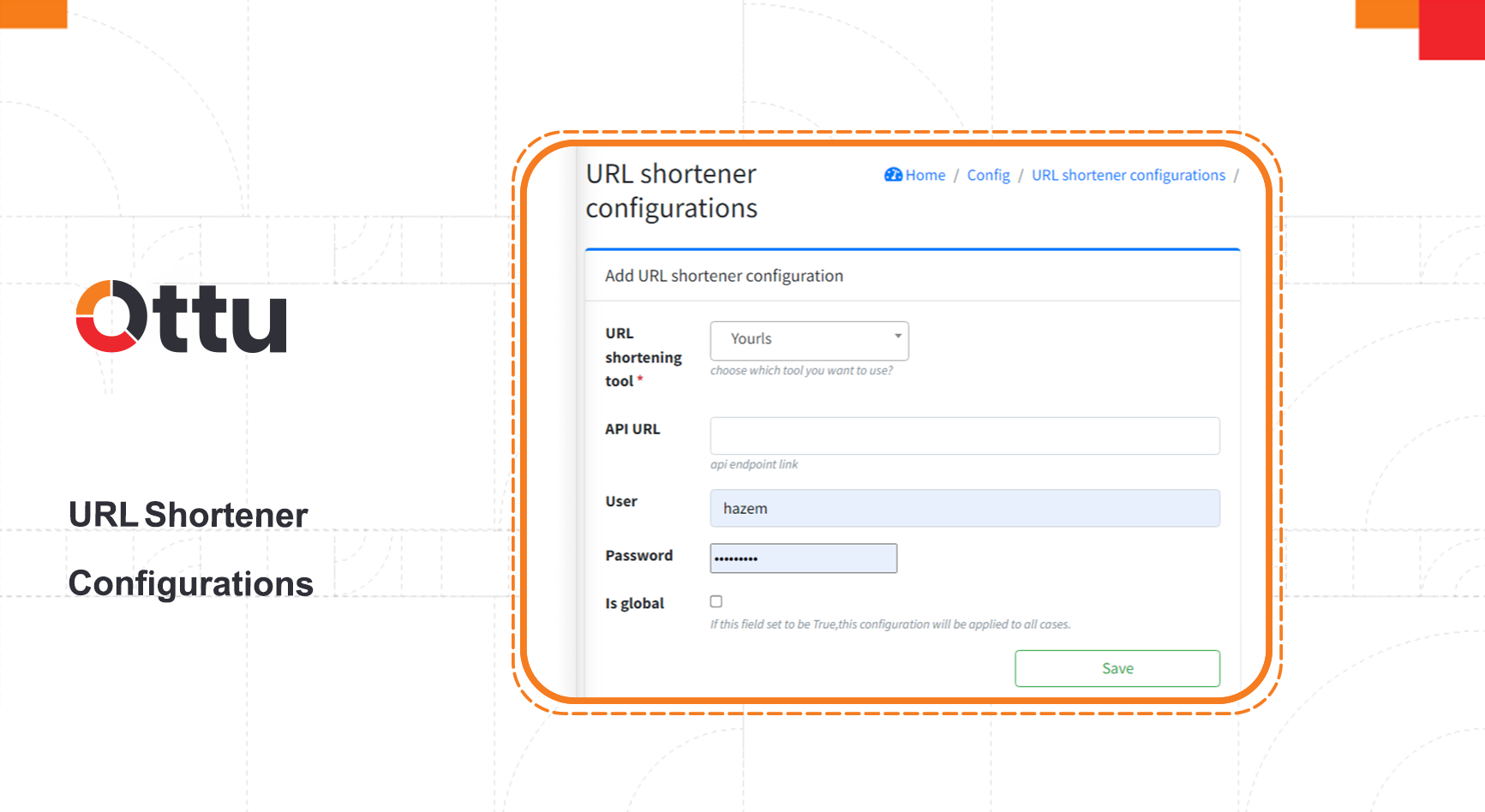
Field Descriptions
| Field | Description |
|---|---|
| URL shortening tool | The third-party service used to shorten URLs |
| API URL | The API endpoint of the URL shortening service |
| User | The username for authenticating with the shortening service |
| Password | The password for authenticating with the shortening service |
| Is global | When checked, this configuration applies to all payment links across the installation. When unchecked, it applies only to specific cases |
What's Next?
- Global Configuration — Enable the URL shortener and configure other system-wide settings
- Plugins — Configure the payment request plugin that generates payment links
- Notifications — Set up SMS and WhatsApp notifications that benefit from shortened URLs